Set Up Direct Meds Portal
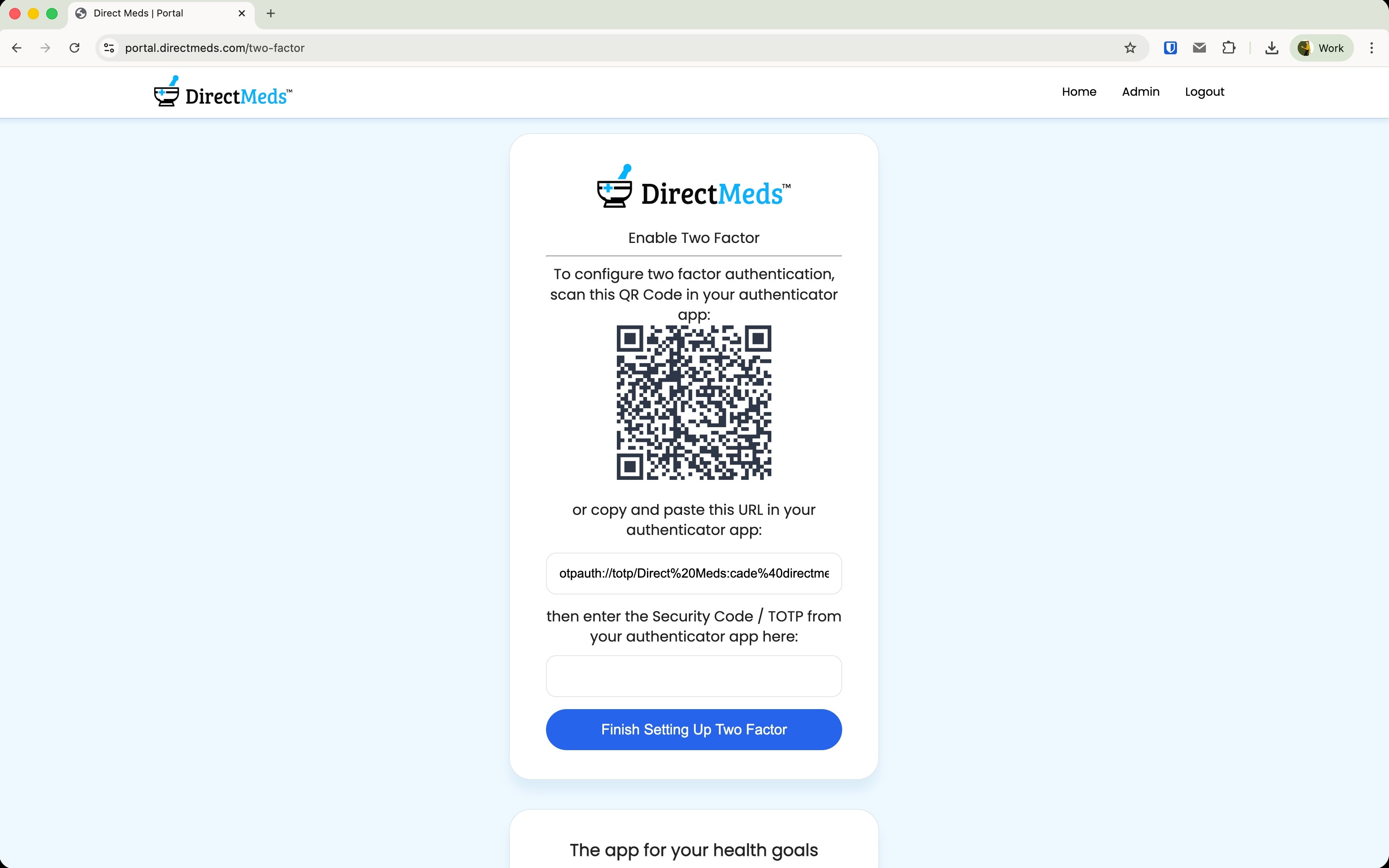
Two-factor is mandatory. You MUST click "Finish Setting Up Two Factor" at the end or you will get a 403 error trying to reach Admin.
-
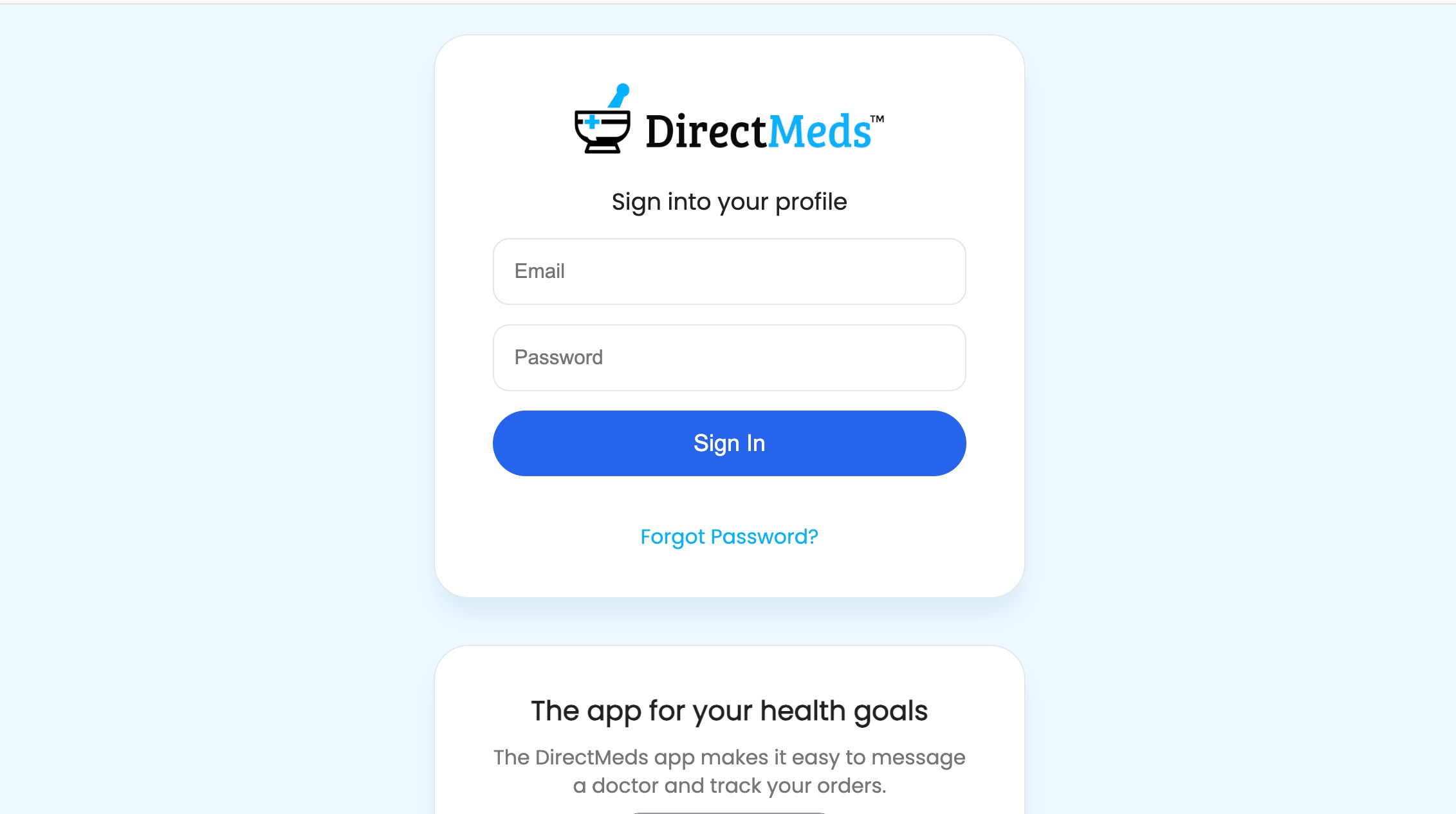
1Go to portal.directmeds.com.
 📷 Screenshot unavailable
 -
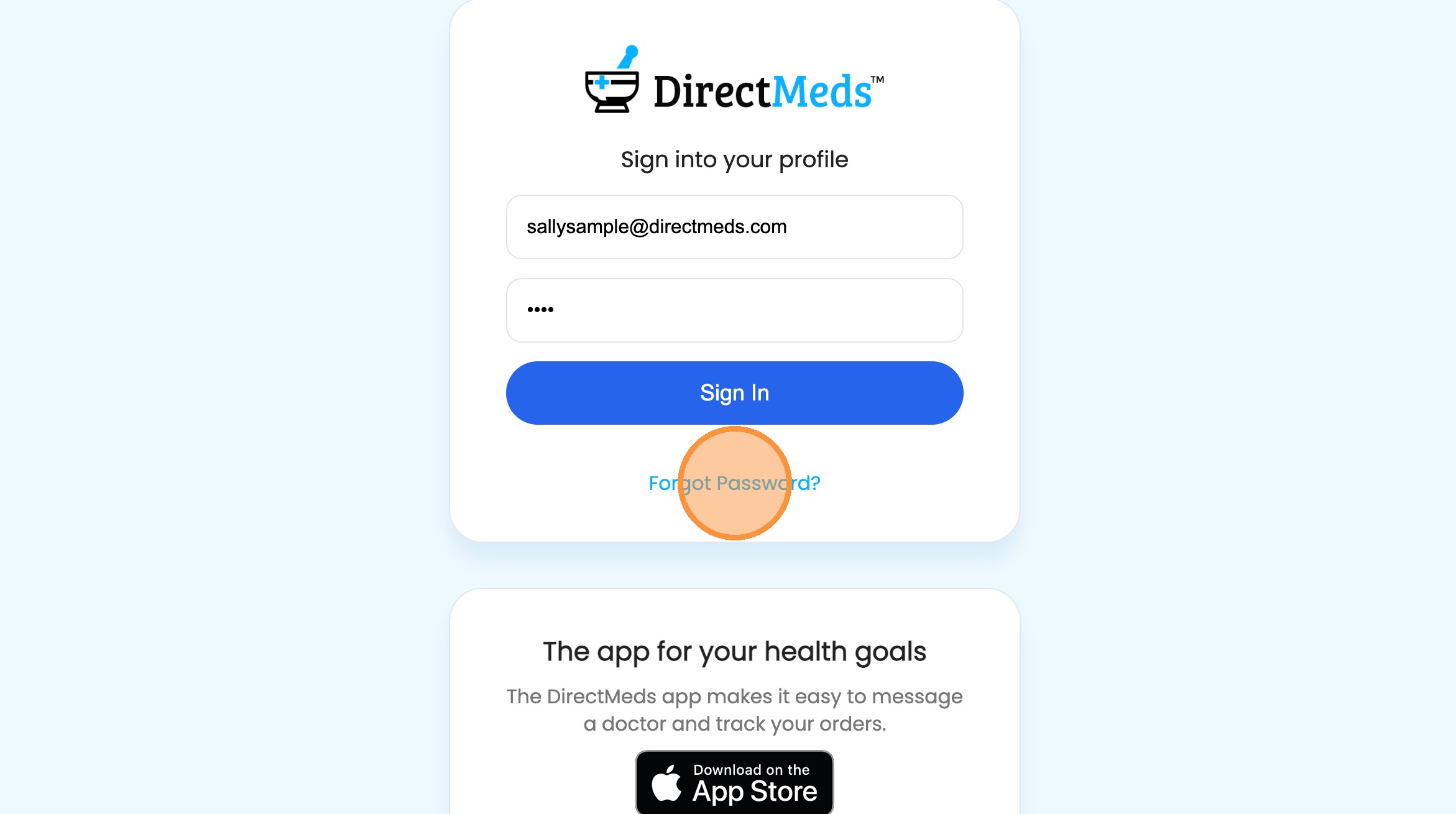
2First time here? Click Forgot Password and enter your assigned work email to get a reset link.
 📷 Screenshot unavailable
 -
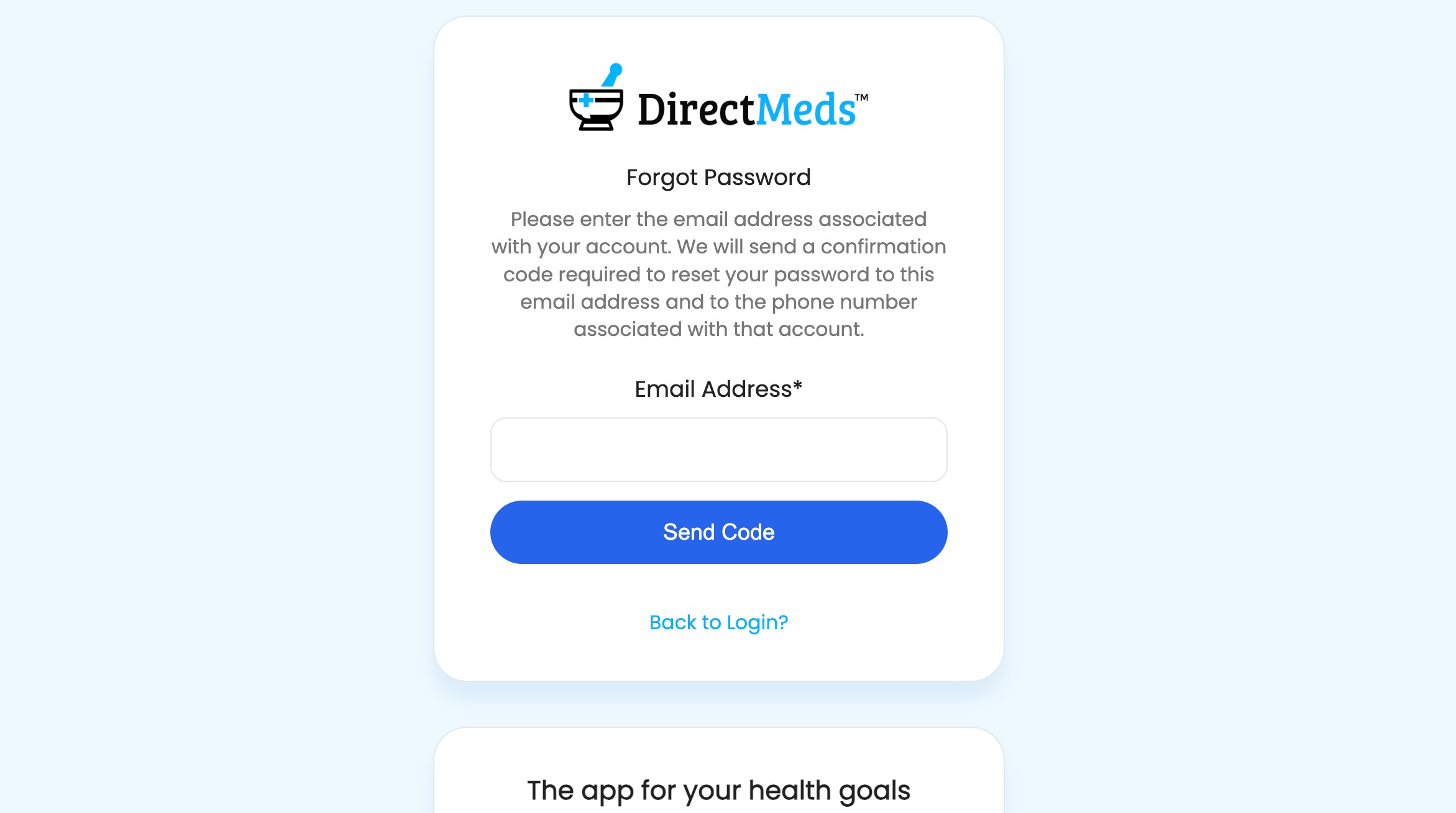
3Enter your work email, then click Send Code.
 📷 Screenshot unavailable
 -
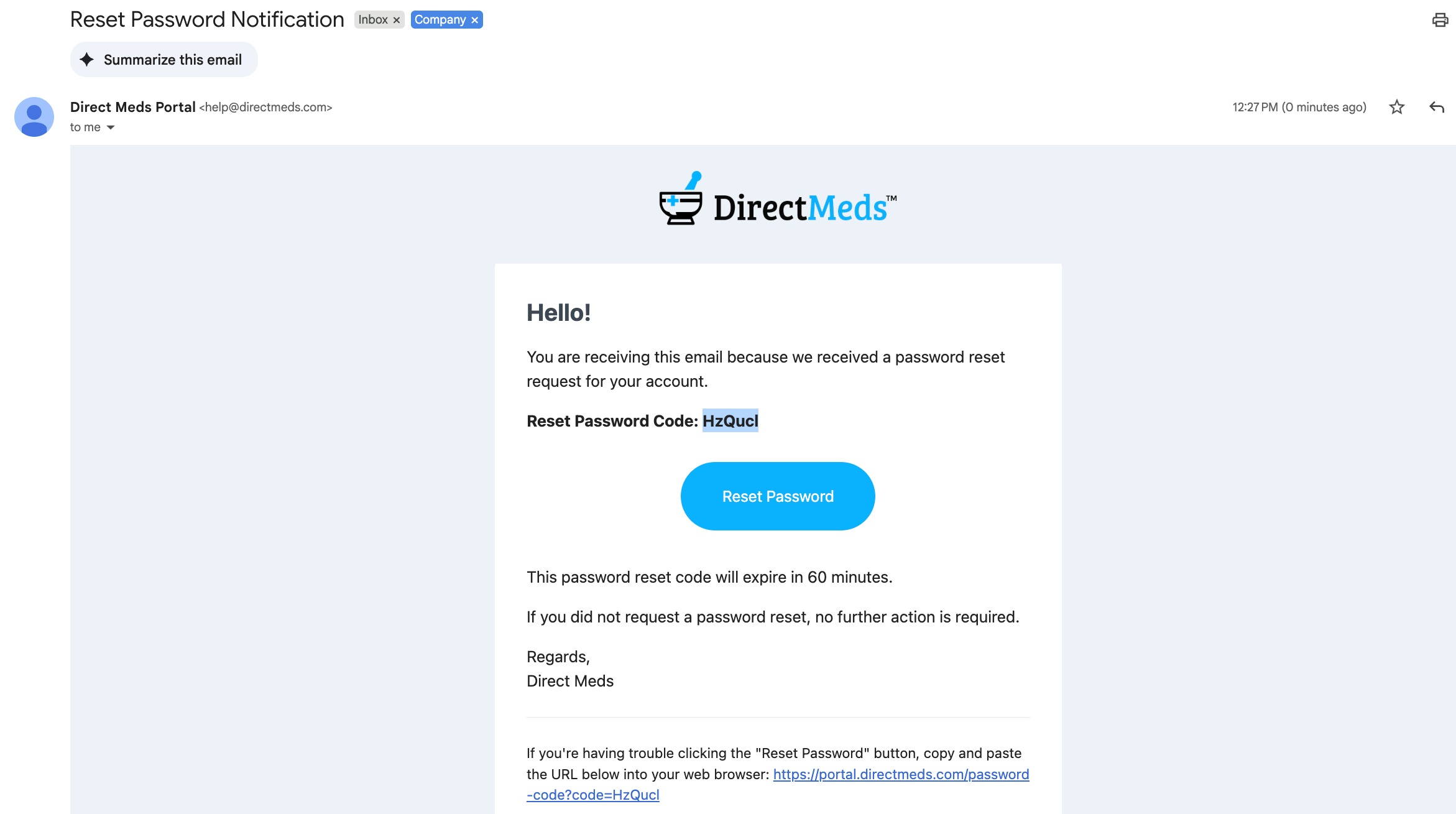
4In your inbox, find the email "Reset Password Notification" from Direct Meds Portal and copy the verification code.
 📷 Screenshot unavailable
 -
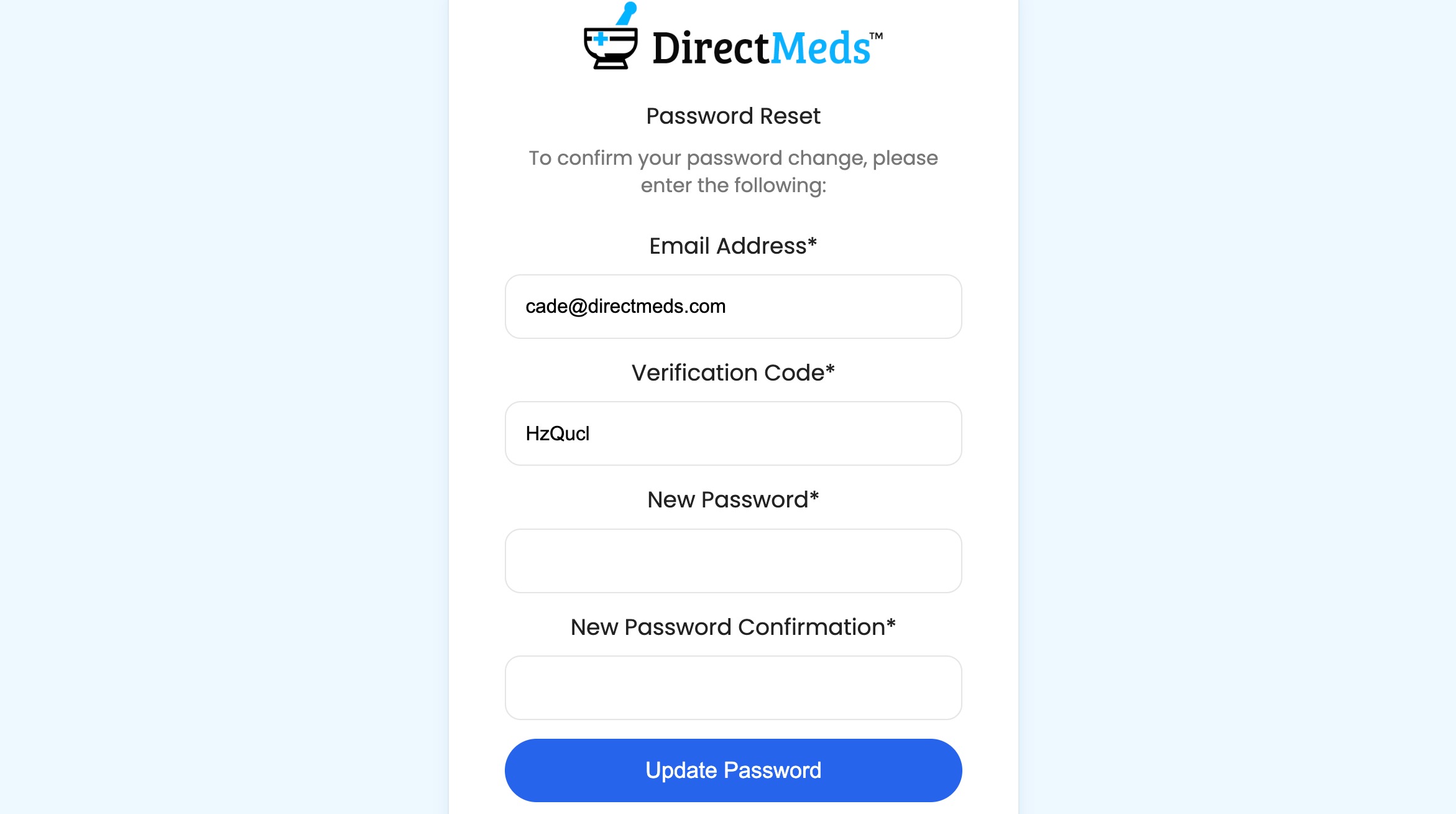
5Paste the code, enter a new secure password, and click Update Password.
 📷 Screenshot unavailable
 -
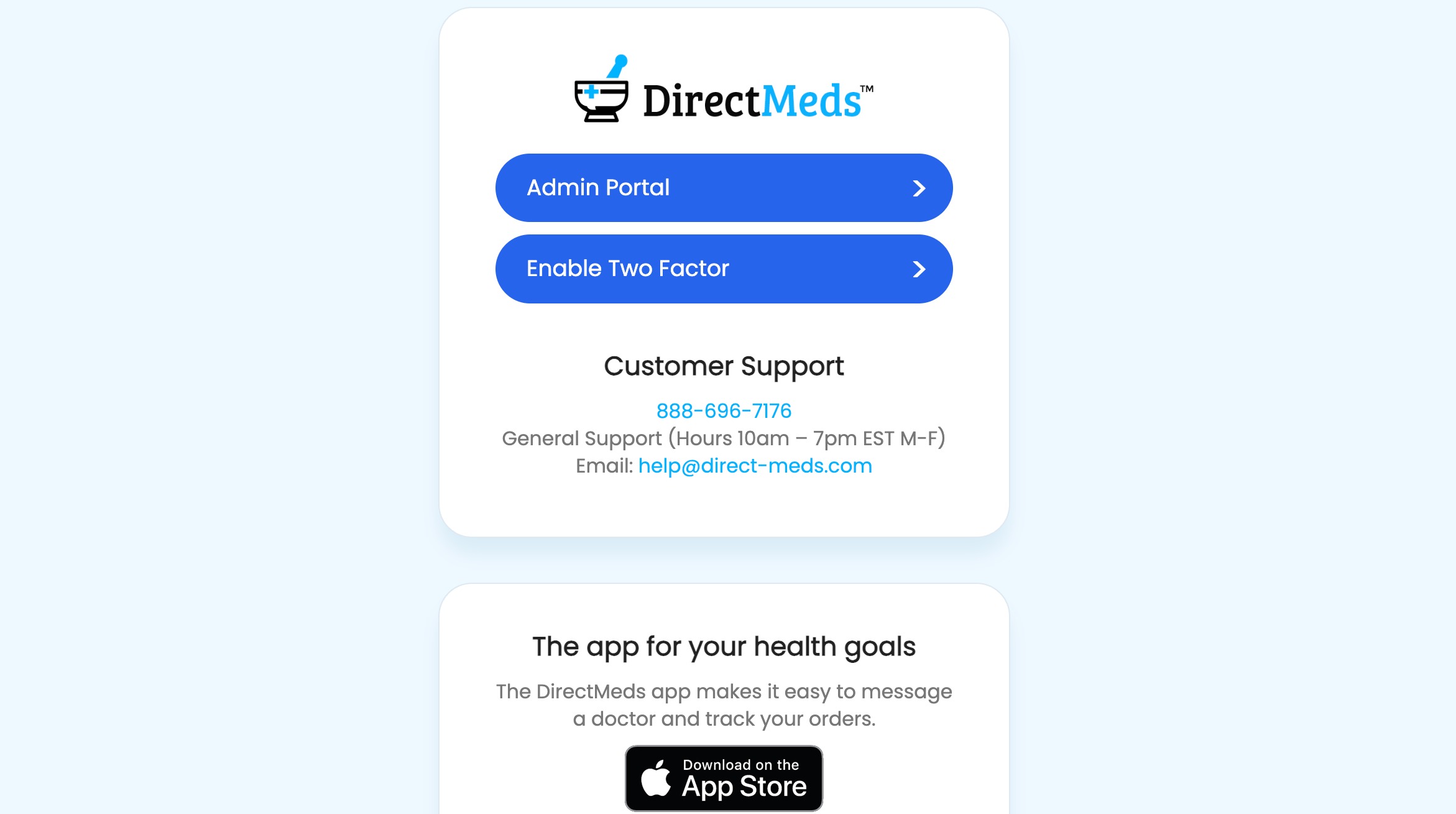
6After signing in, click Enable Two Factor.
 📷 Screenshot unavailable
 -
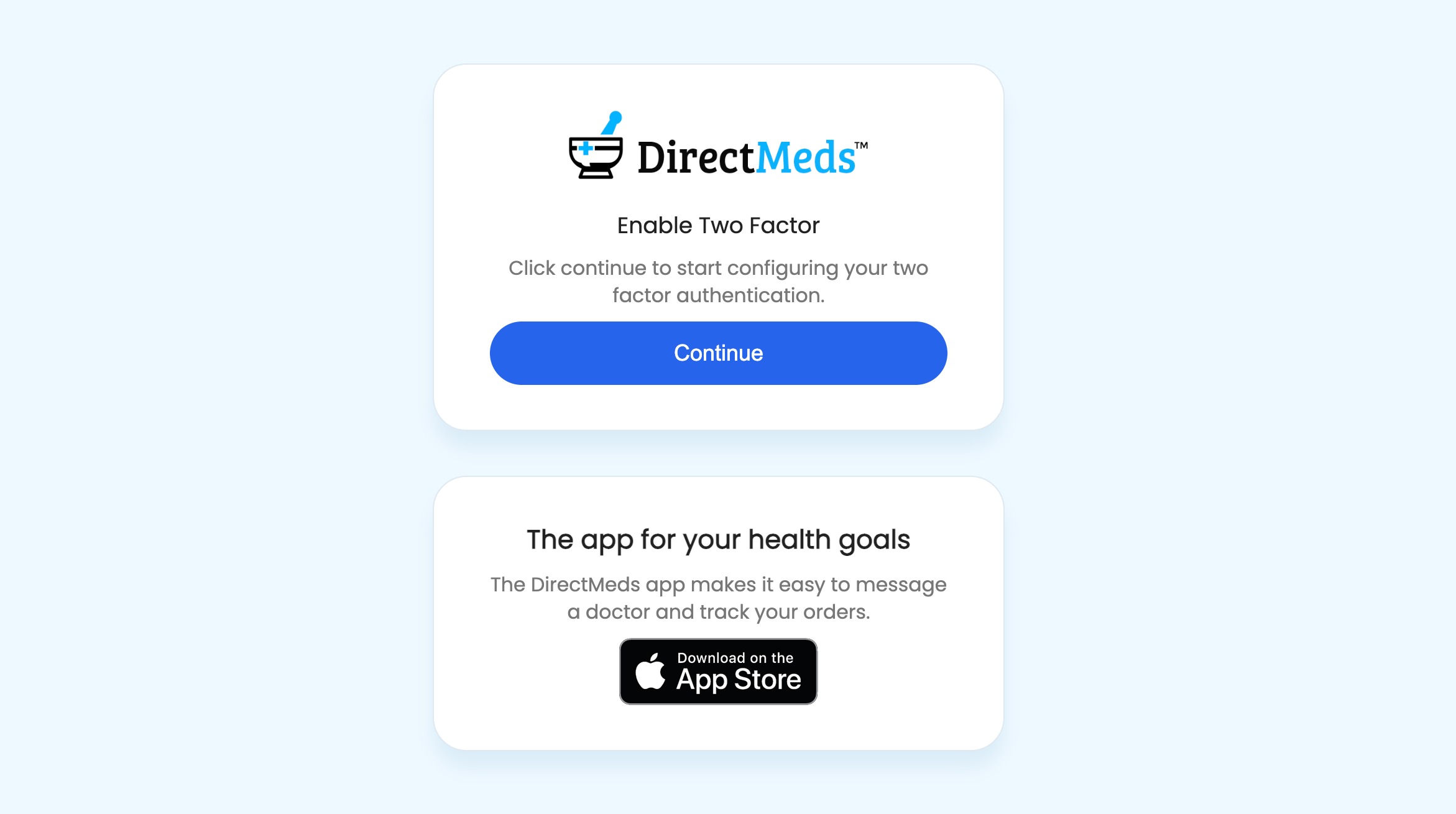
7Click Continue.
 📷 Screenshot unavailable
 -
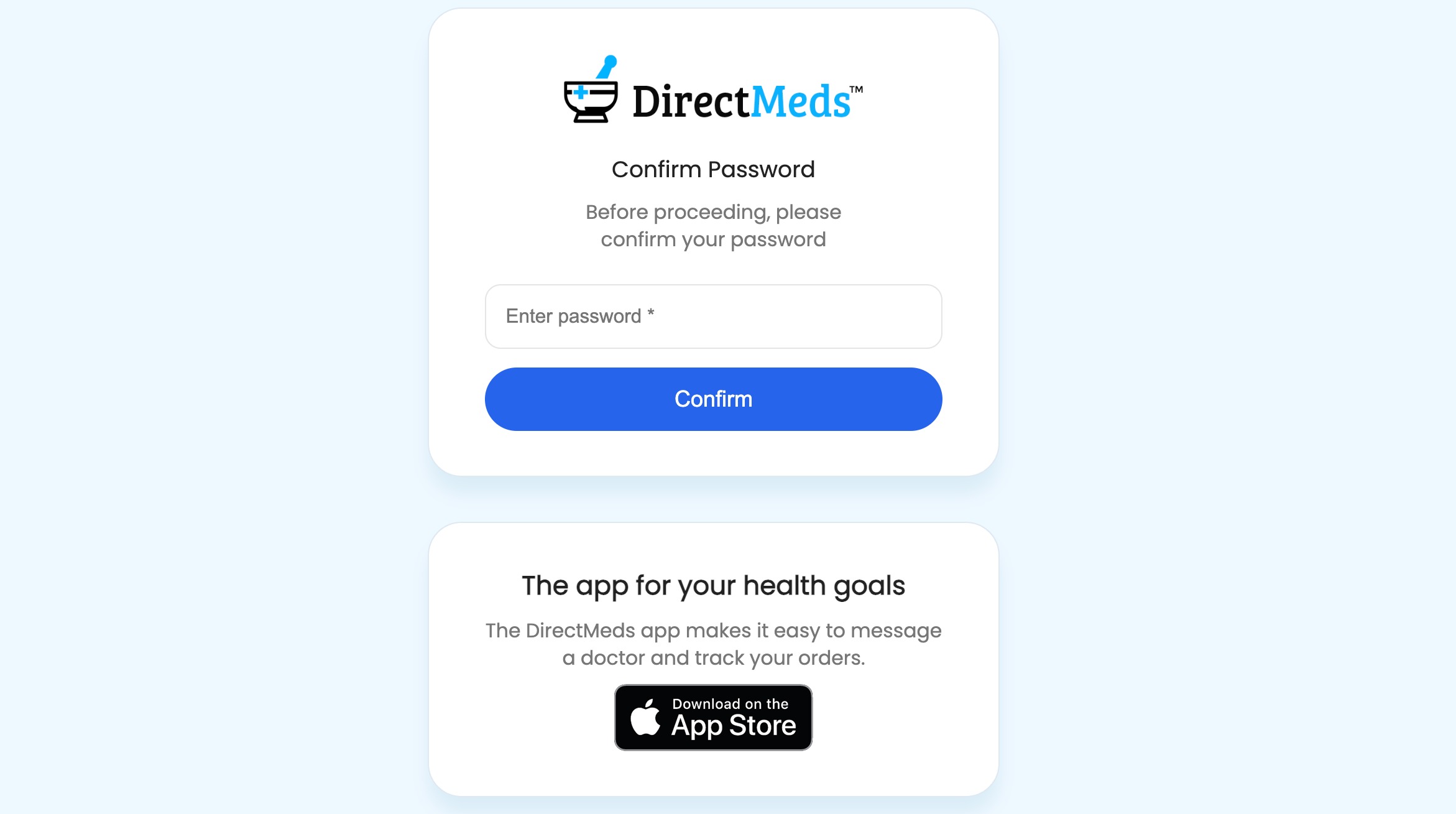
8Re-enter your password and click Confirm.
 📷 Screenshot unavailable
 -
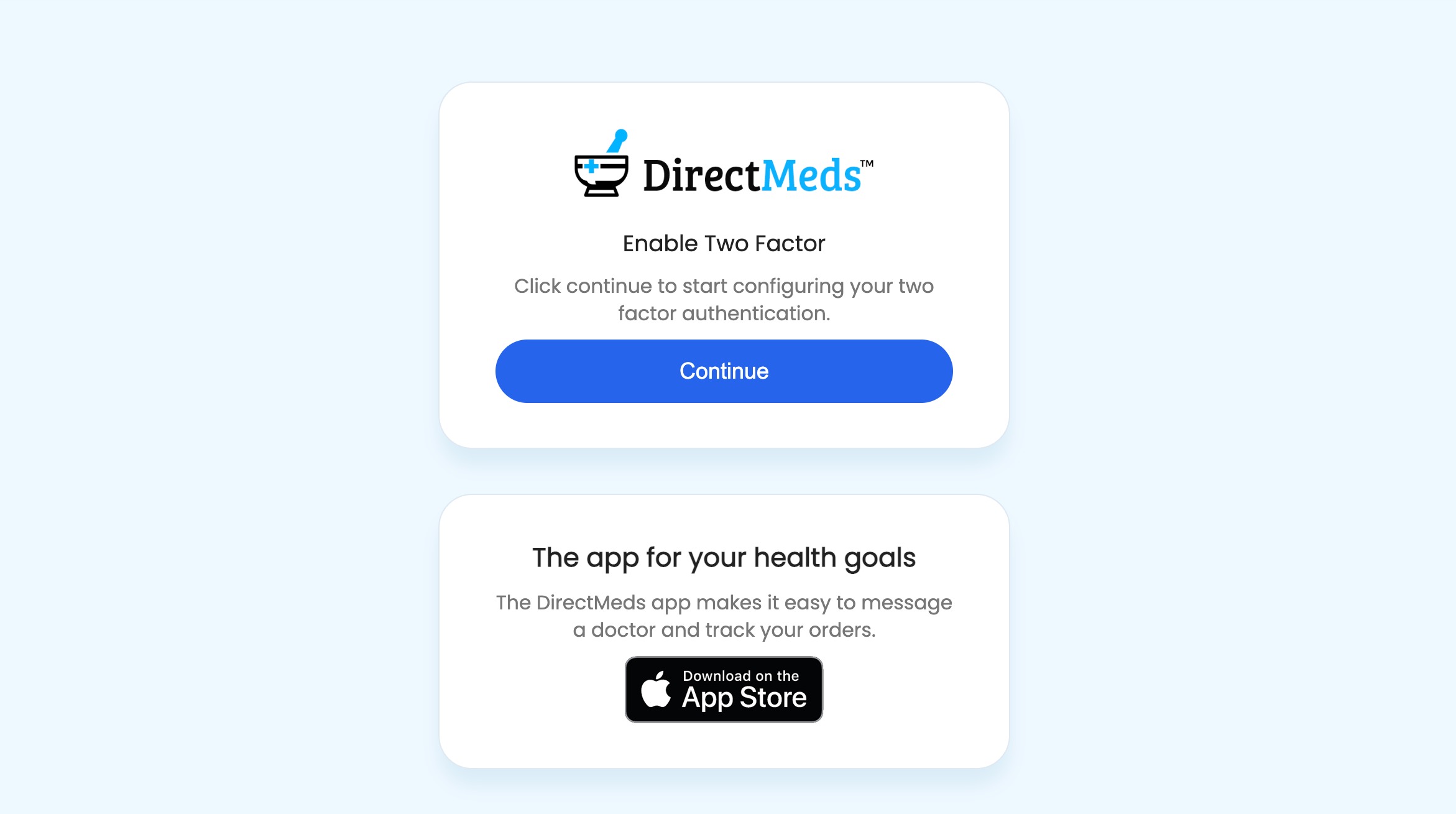
9Click Continue.
 📷 Screenshot unavailable
 -
10Open your authenticator app, add a new code, and scan the QR code on the Portal page. Enter the 6-digit code into the Security Code field, then click Finish Setting Up Two Factor. (Do not skip this — your 2FA is not active until you click it.)
 📷 Screenshot unavailable
 -
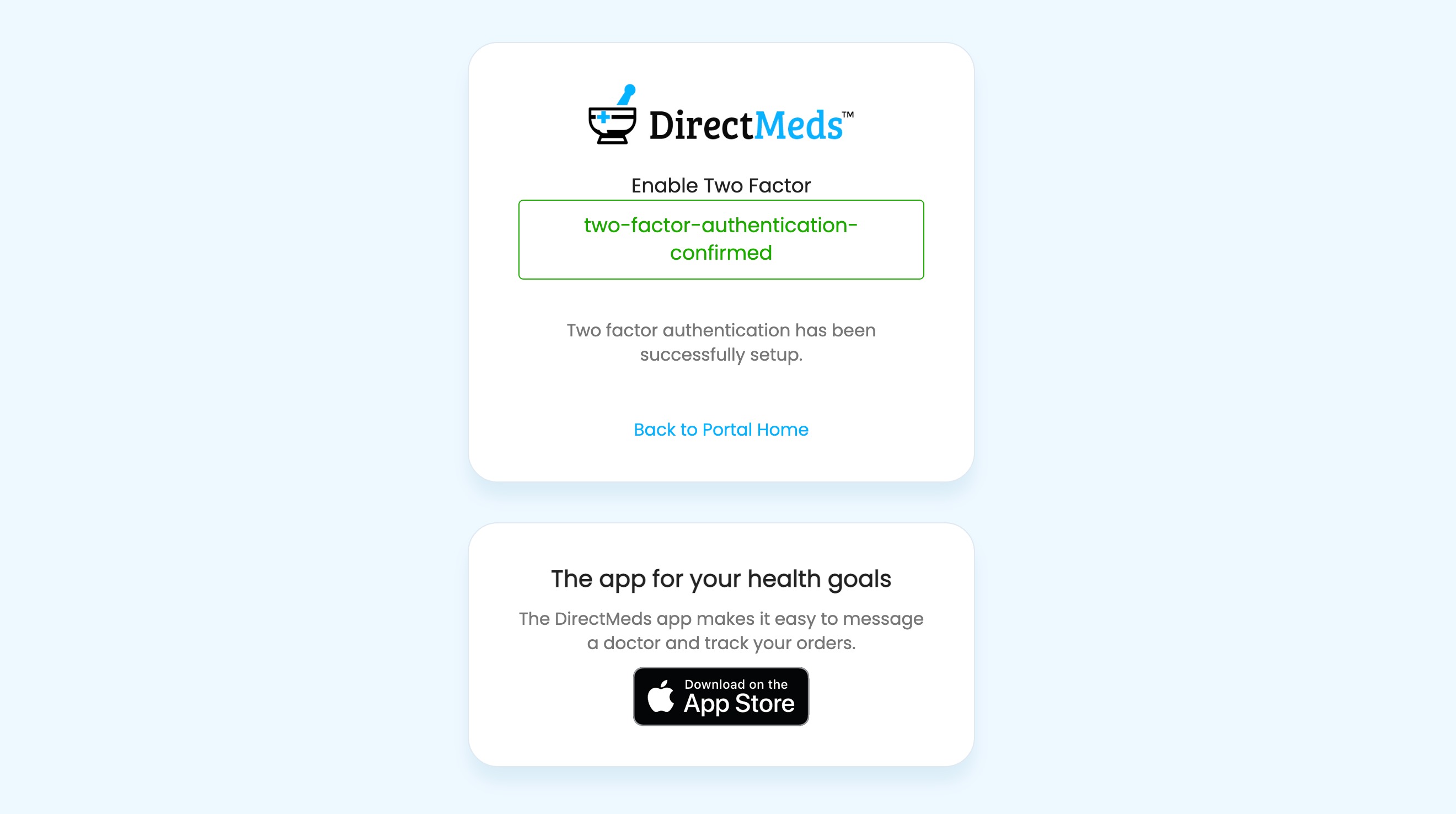
11You should see a green "two-factor-authentication-confirmed" message and the QR code / blue button should be gone. Click Back to Portal Home.
 📷 Screenshot unavailable
 -
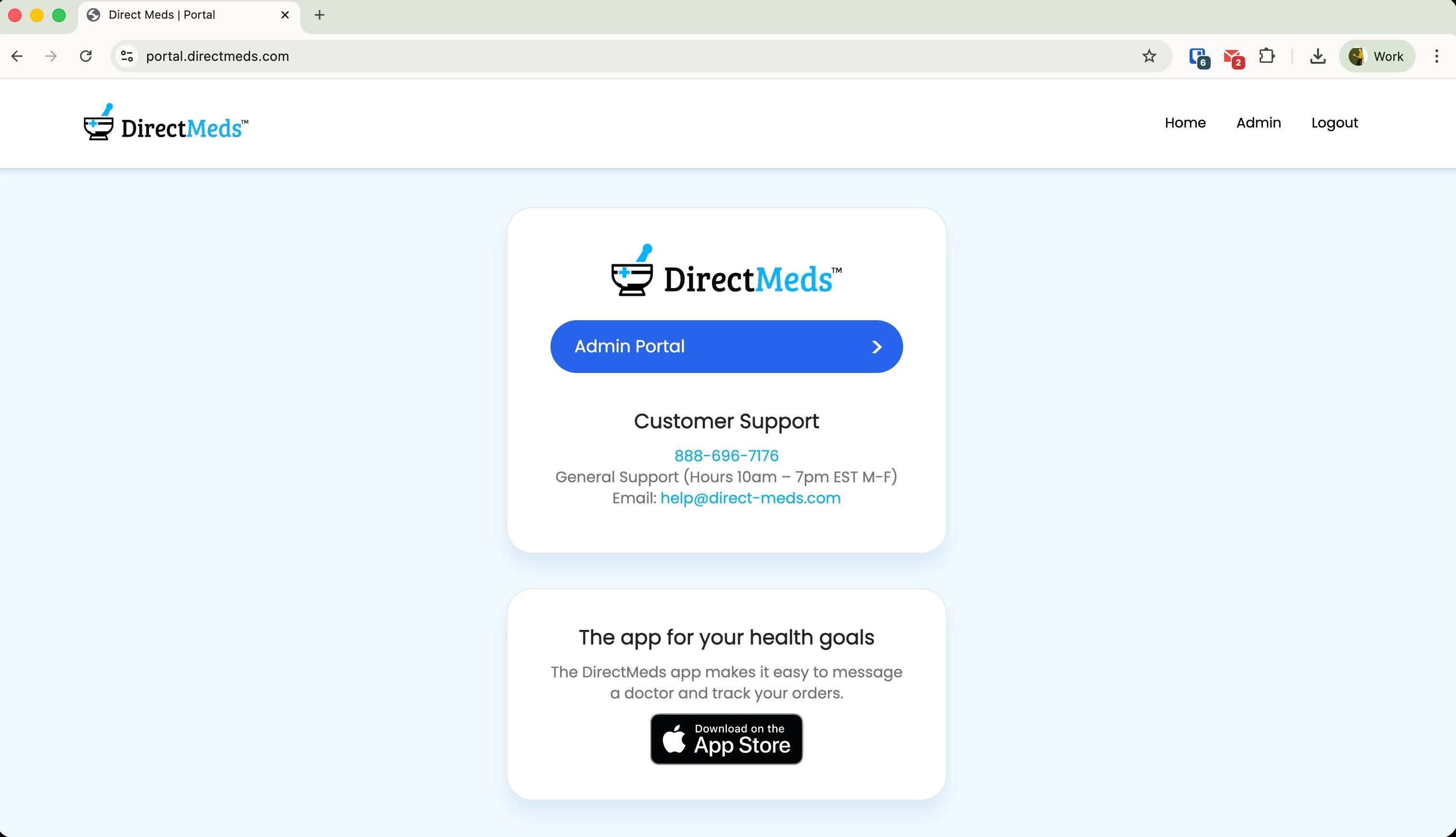
12Click Admin Portal. If you get an error here, your 2FA was not completed — redo the previous step.
 📷 Screenshot unavailable
 -
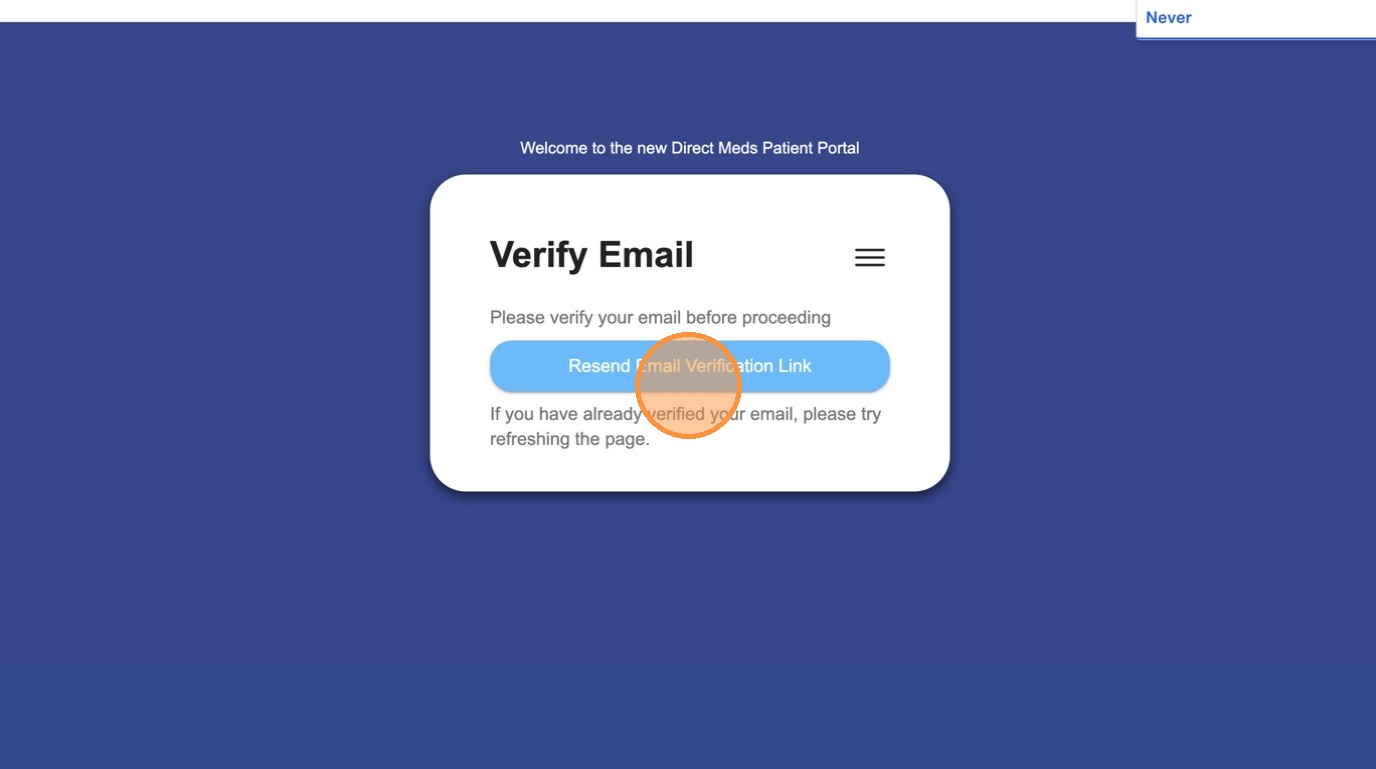
13If prompted after signing in, click Resend Verification Link.
 📷 Screenshot unavailable
 -
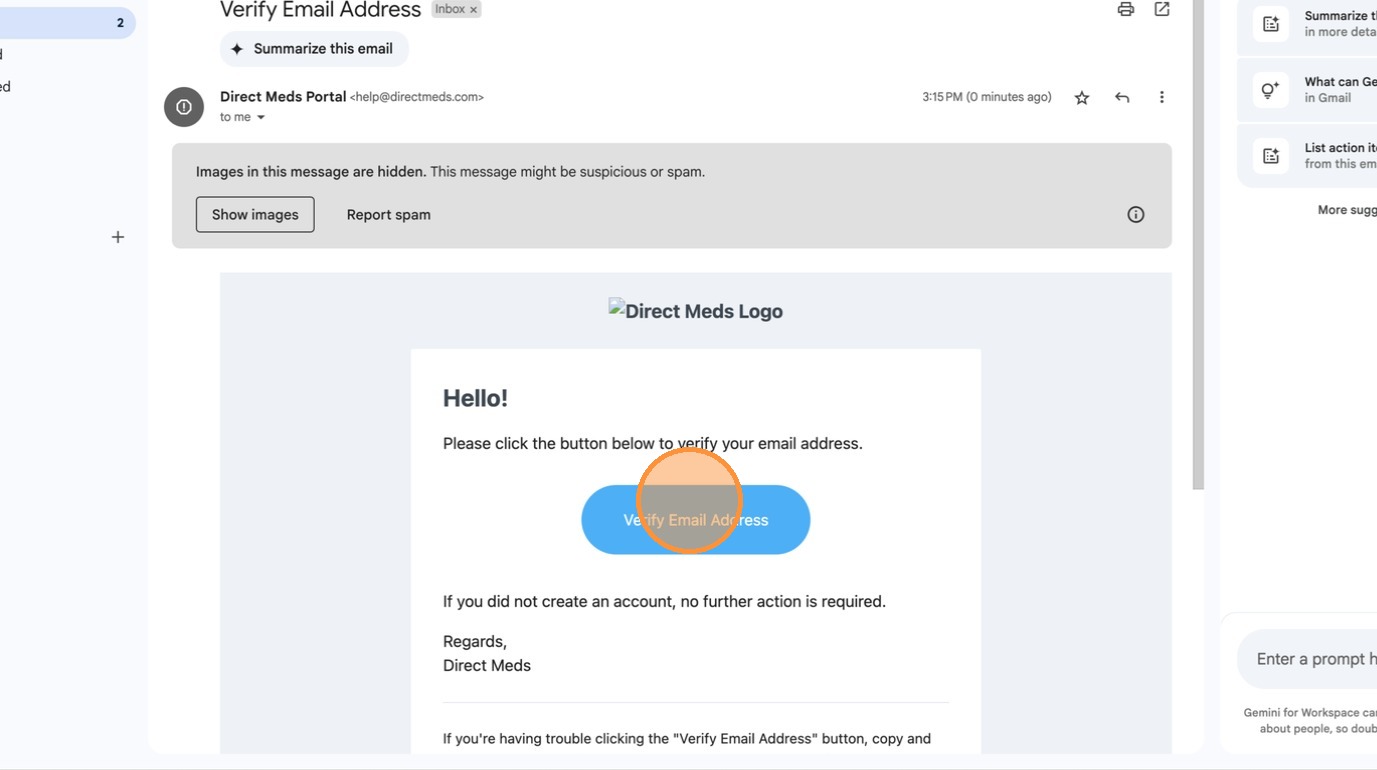
14Open your inbox, find the verification email, and click the activation button inside it.
 📷 Screenshot unavailable