Install Google Authenticator
You will use this app for the 2-factor codes on Google, Zoho, and Portal. Install it before setting up those accounts.
-
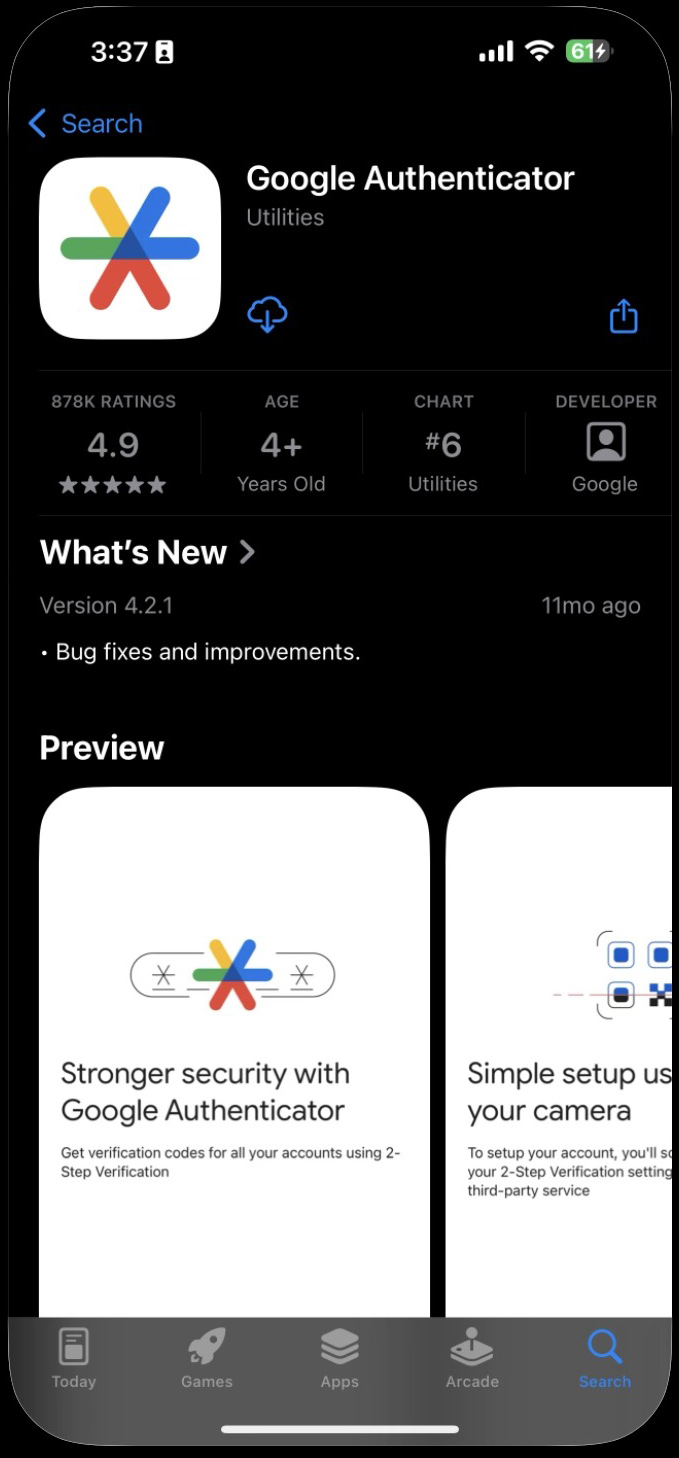
1Download Google Authenticator from the App Store (iPhone) or Google Play (Android).
 📷 Screenshot unavailable
 -
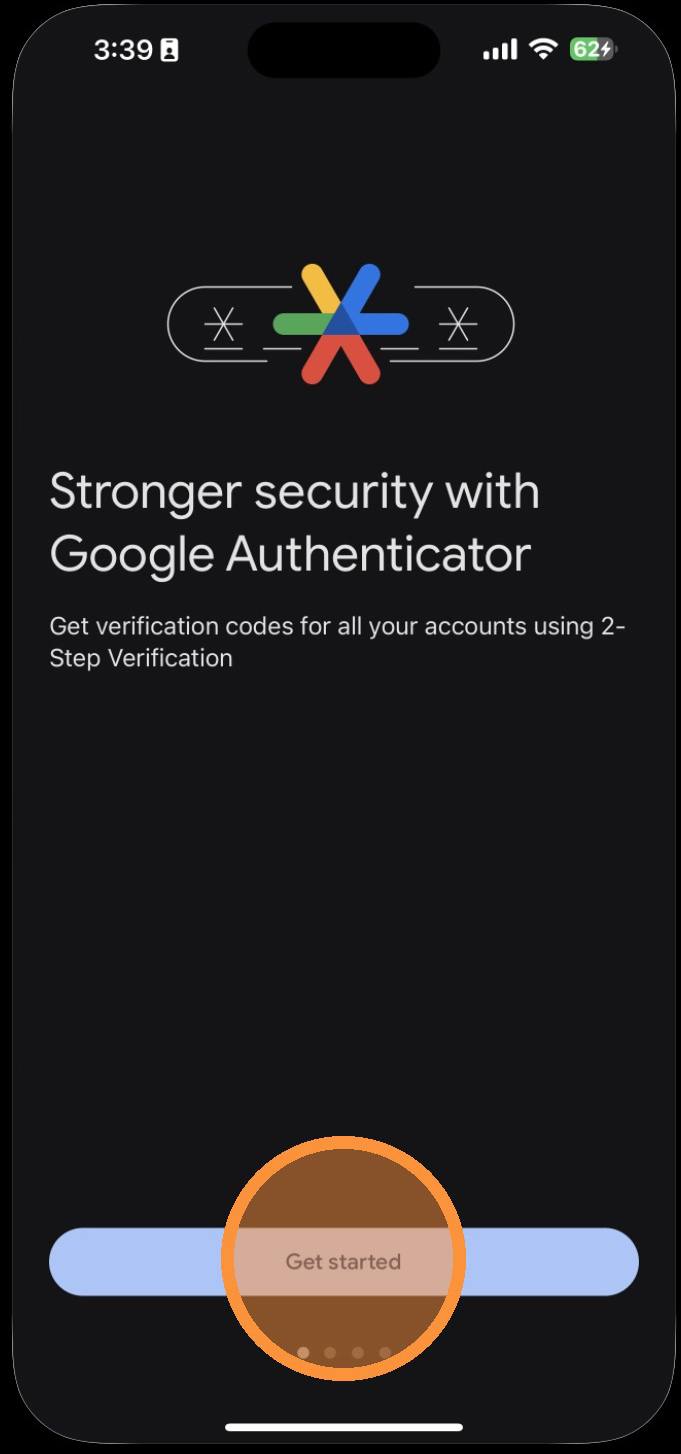
2Tap Get Started.
 📷 Screenshot unavailable
 -
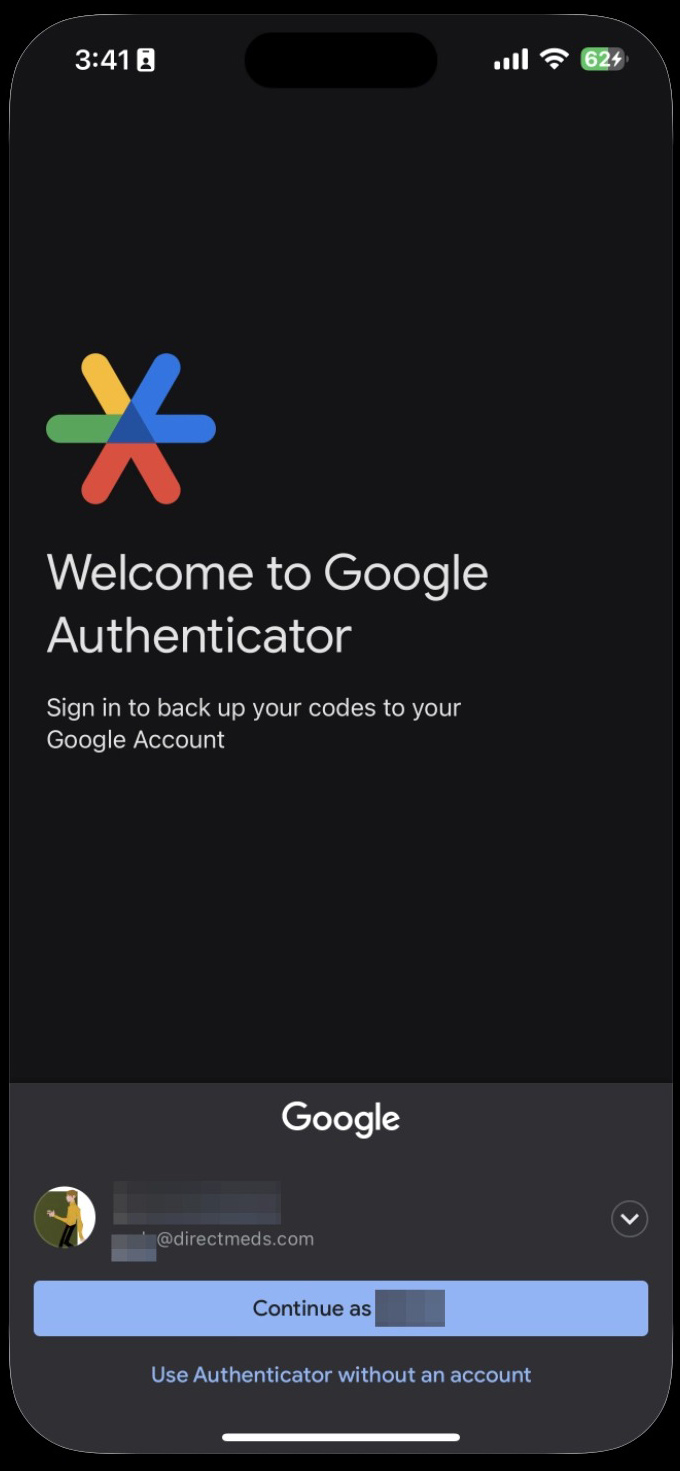
3Sign in to your Google account, or choose Use Authenticator without an account.
 📷 Screenshot unavailable
 -
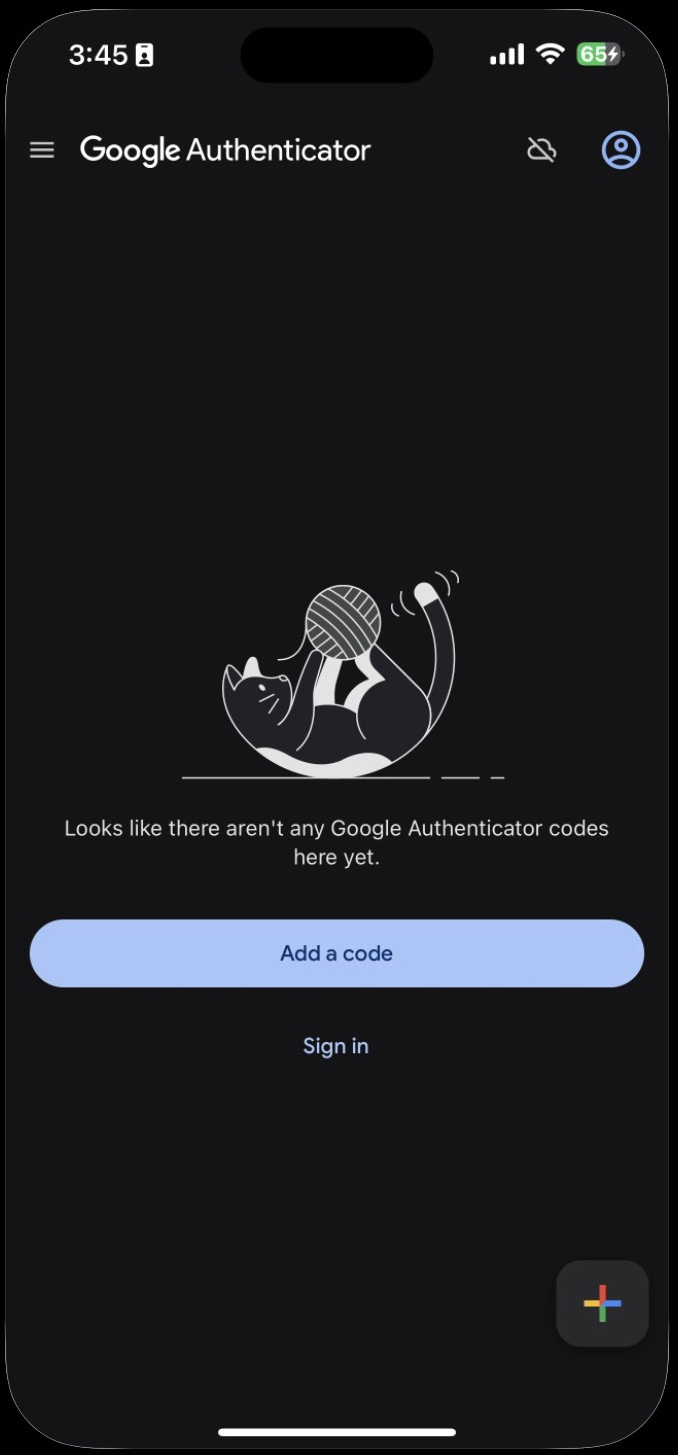
4Whenever you are asked to set up 2-factor on a service, tap Add a Code or the + icon.
 📷 Screenshot unavailable
 -
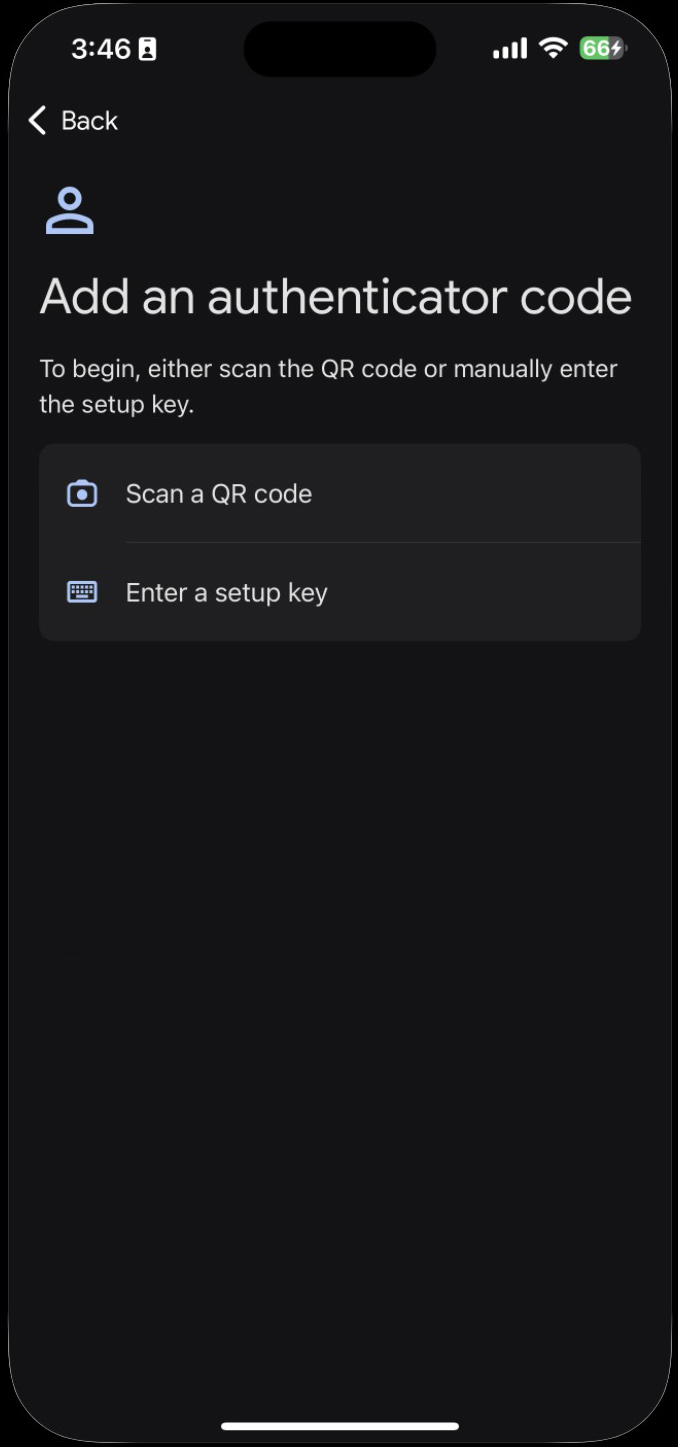
5Tap Scan a QR code.
 📷 Screenshot unavailable
 -
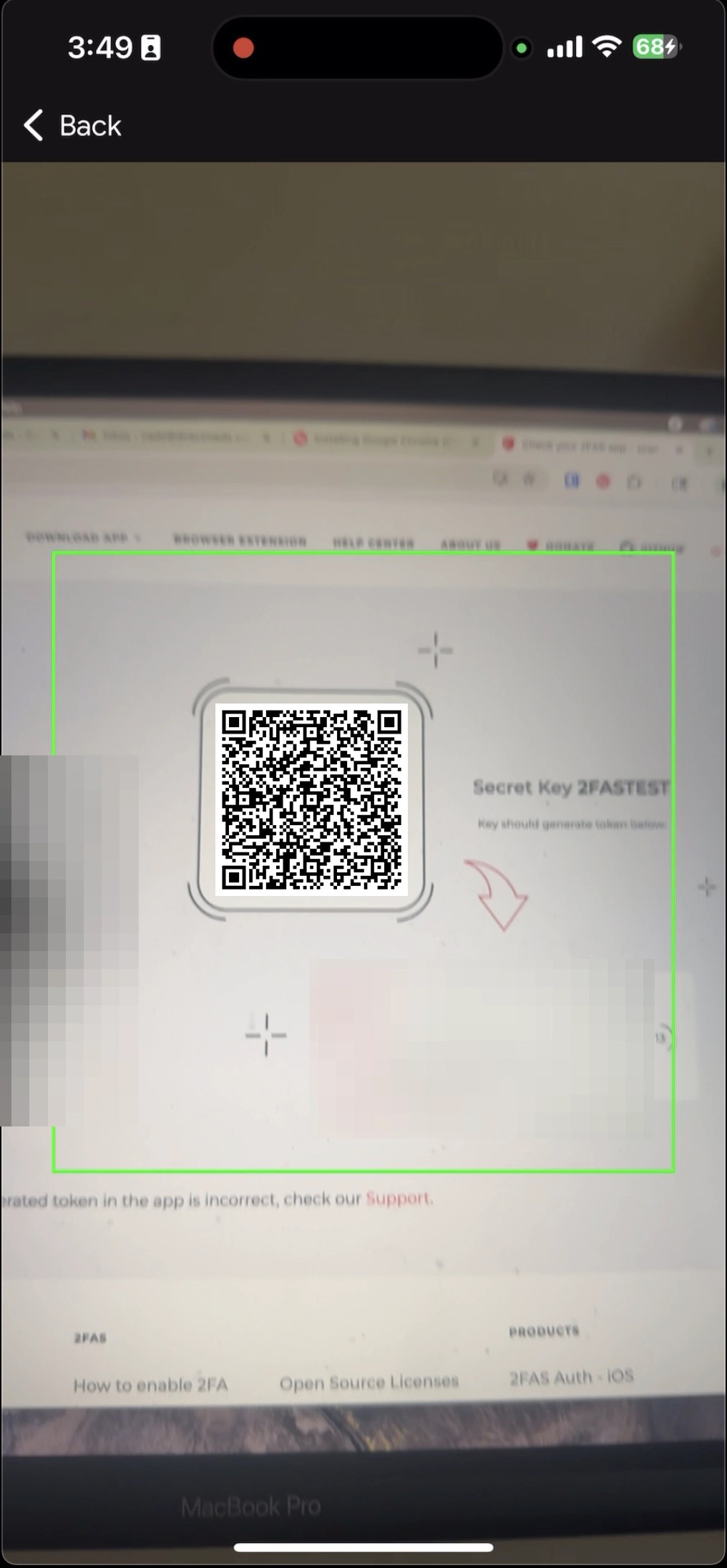
6Scan the QR code shown by the service that is asking for it.
 📷 Screenshot unavailable
 -
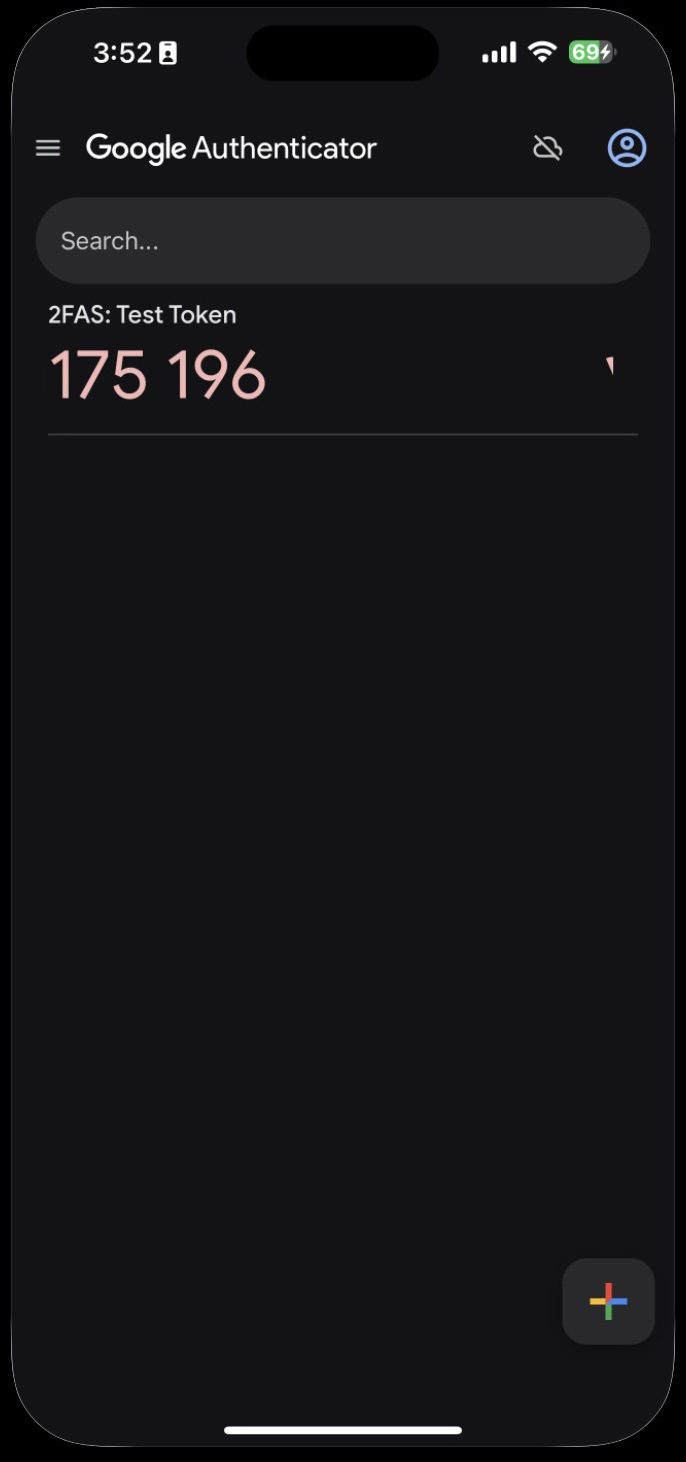
7The code is now saved. Whenever Zoho, Portal, or Google asks for an OTP / 2FA code, enter the current number shown here.
 📷 Screenshot unavailable