
Activate Your Loom Account
Loom is an Atlassian product, so the invitation arrives from an id.atlassian.com address rather than loom.com. That is expected.
-
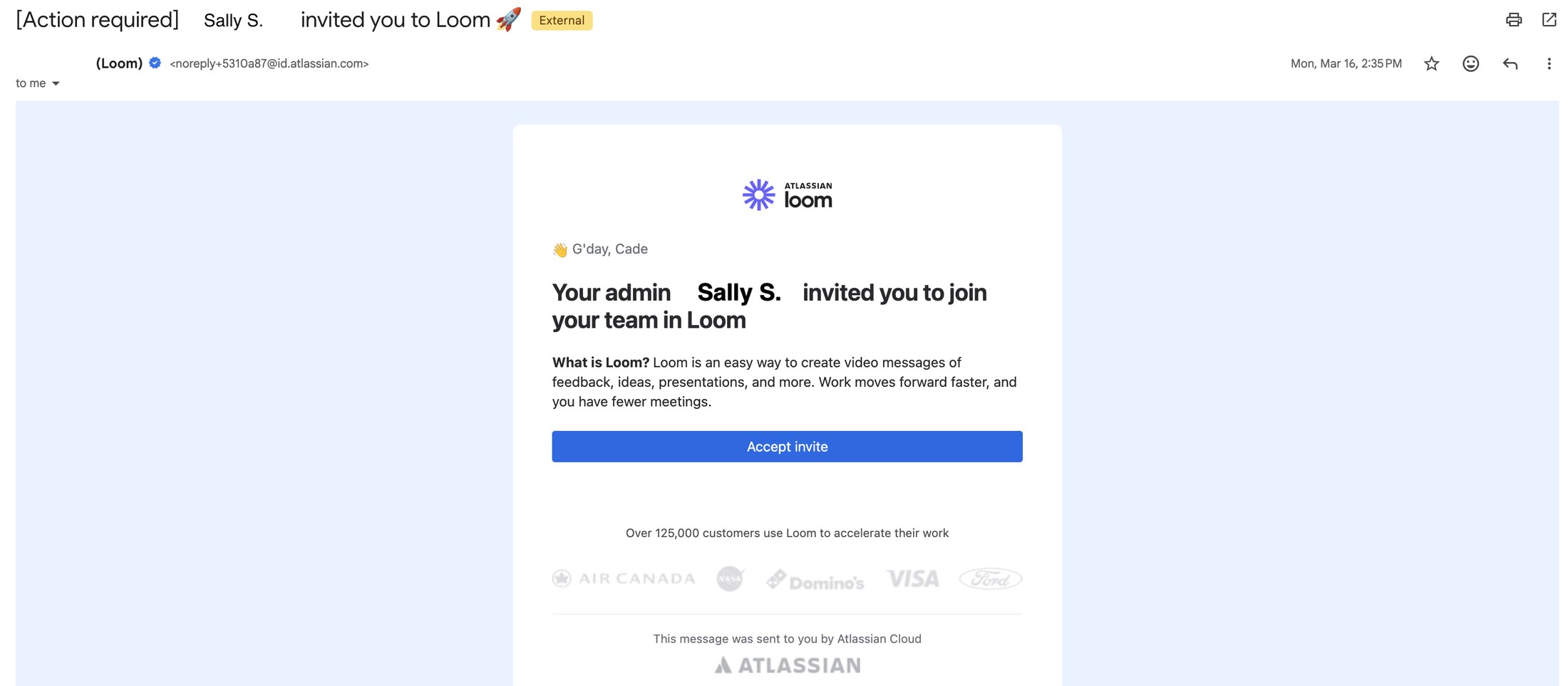
1In your Direct Meds inbox, find the email "[Action required] … invited you to Loom". The sender is Atlassian, and the address looks something like noreply+5310a87@id.atlassian.com.
 📷 Screenshot unavailable
 -
2Check that the email greets you by name and names your admin as the person who invited you. If it does not, contact SysOps instead of accepting.
-
3Click Accept invite. The link opens Atlassian in your browser.
-
4Follow the prompts to create your Atlassian account, or sign in if you already have one on your work email.
-
5Loom opens once you have joined the team.