
Activate Your Lucid Chart Account
If you already use Lucid on your work email, accepting moves your existing documents under the Direct Meds account — you keep access, but anything you create is managed by the team administrator.
-
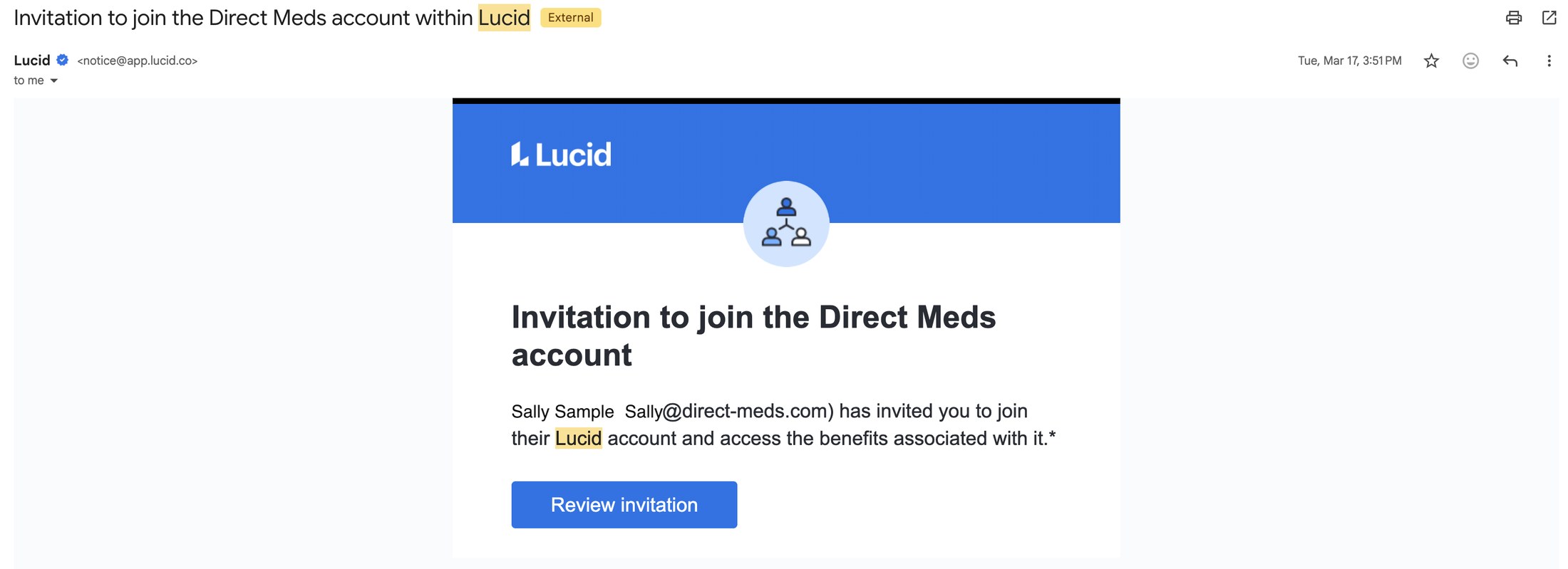
1In your Direct Meds inbox, find the email "Invitation to join the Direct Meds account within Lucid" from notice@app.lucid.co.
 📷 Screenshot unavailable
 -
2Check that the email names the Direct Meds account and was sent to your work email. If it does not, contact SysOps instead of accepting.
-
3Click Review invitation. The link opens Lucid in your browser.
-
4Sign in with your Direct Meds work email, or create a password if this is your first time in Lucid.
-
5Accept the invitation to join the Direct Meds account. Lucid Chart is available once you are in.