
Activate Your Monday.com Account
The invitation comes from notifications@monday.com and will be marked External — that is expected. Check that it lists your work email before you accept.
-
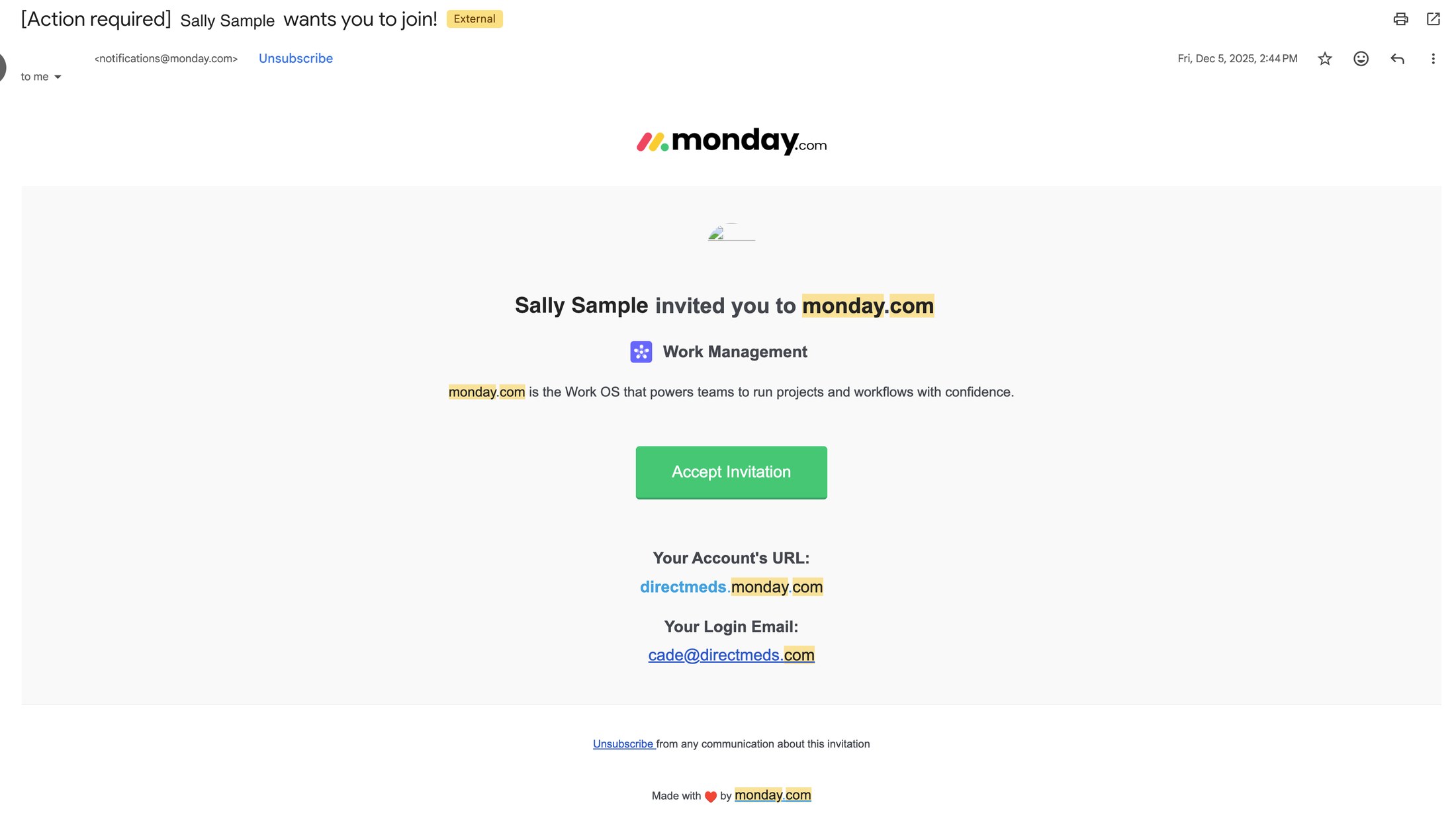
1In your Direct Meds inbox, find the email "[Action required] … wants you to join!" from notifications@monday.com.
 📷 Screenshot unavailable
 -
2Check the two lines near the bottom of the email: Your Account's URL should read directmeds.monday.com, and Your Login Email should be your Direct Meds work email. If either is wrong, contact SysOps instead of accepting.
-
3Click Accept Invitation. The link opens monday.com in your browser.
-
4Follow the prompts to set your name and password and finish creating the account.
-
5From then on, sign in at directmeds.monday.com.