
Activate Your Qualiphy Account
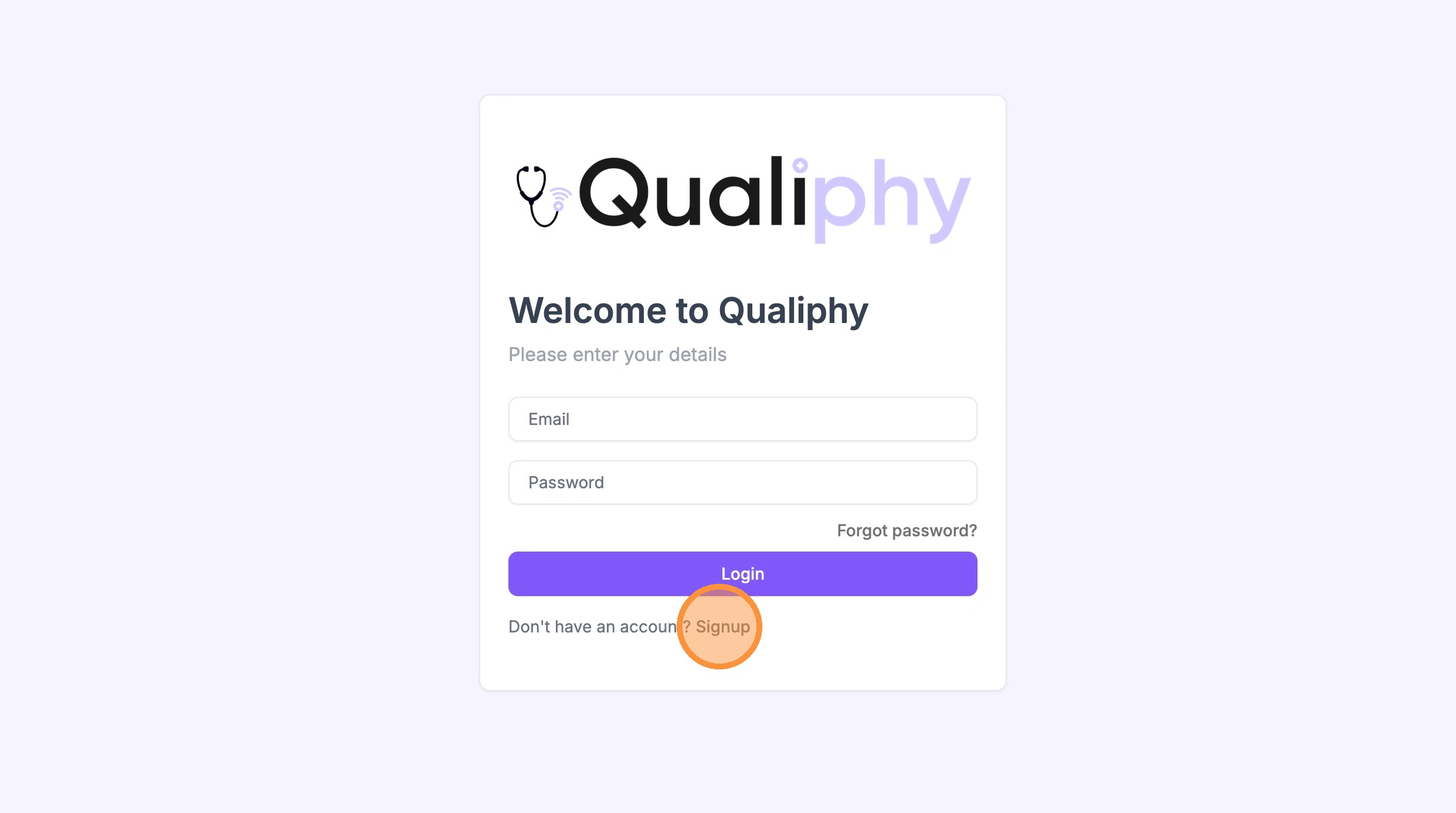
Important: use the SIGNUP link at the bottom of the form — do NOT try to log in.
-
1Navigate to https://app.qualiphy.me/login to sign up. Scroll to the bottom and click Signup. Do NOT try to sign in.
 📷 Screenshot unavailable
 -
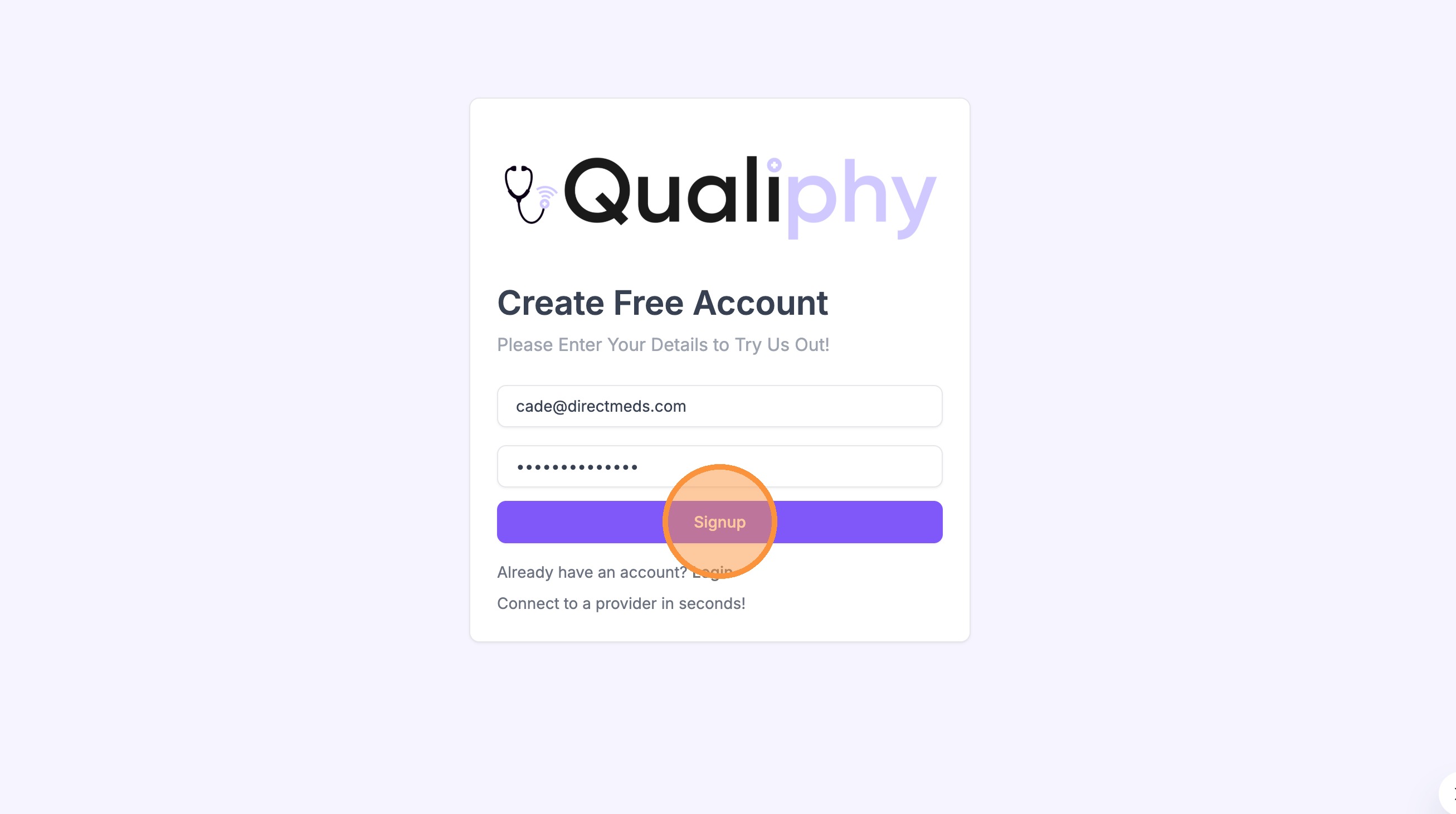
2On the signup page, enter your work email, create a password, and click Signup.
 📷 Screenshot unavailable
 -
3Qualiphy will send a verification email to the address you signed up with. Open it and click the confirmation link to verify your account.
-
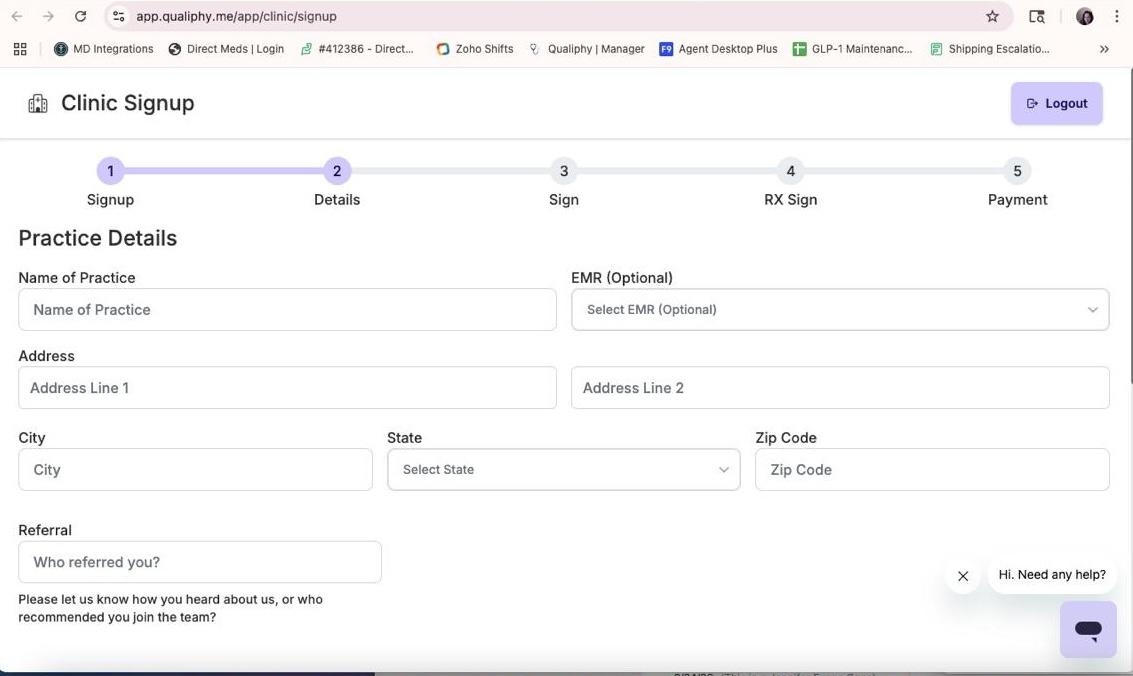
4If you see this screen asking for clinic details, there was an error with the sign up process and your account must be reset — go to the Qualiphy Reset guide (Troubleshooting → Qualiphy Reset) to fix it.
 📷 Screenshot unavailable
 -
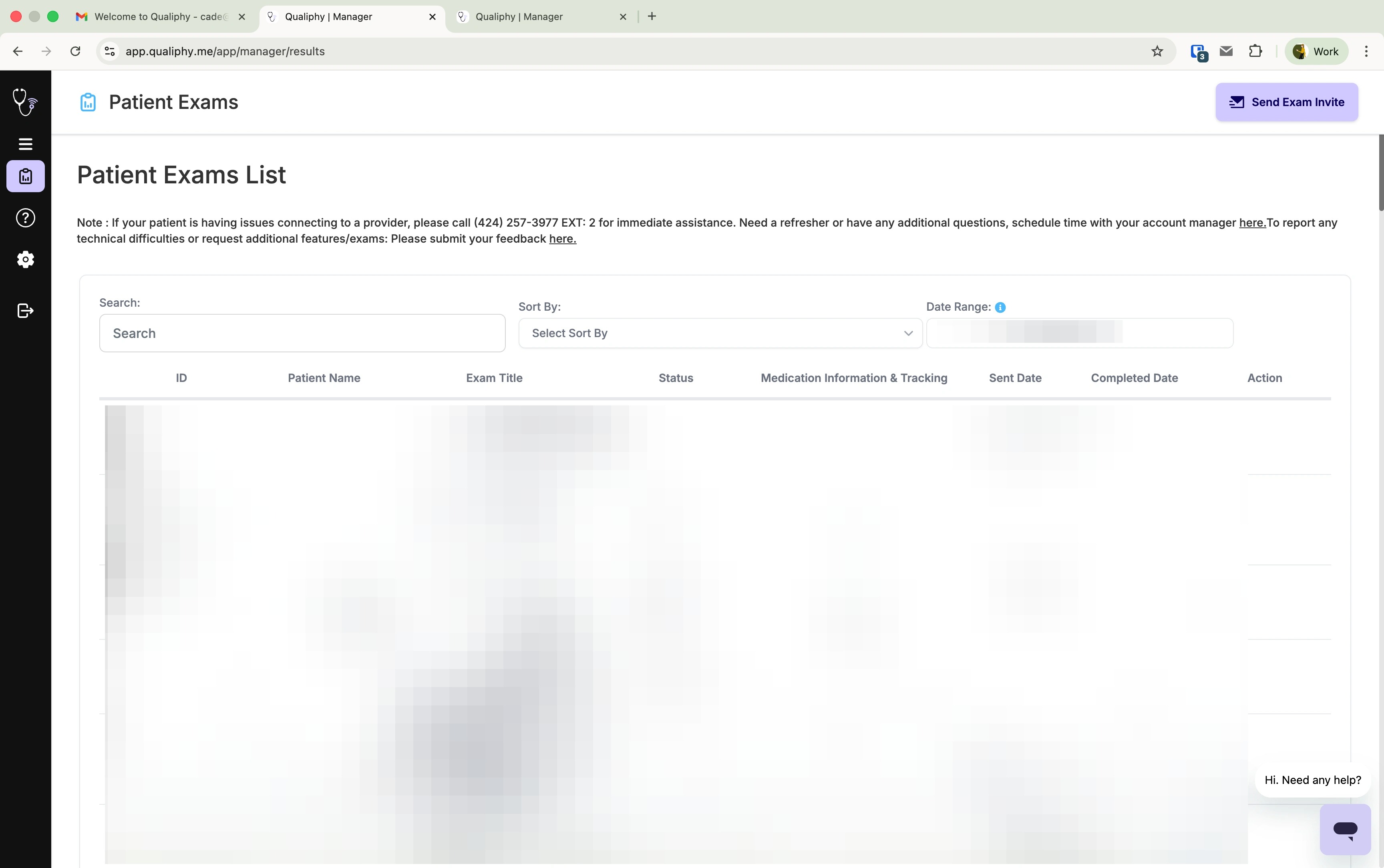
5You will be signed in and assigned to the Direct Meds organization, and should see a dashboard. Your Qualiphy account is now active.
 📷 Screenshot unavailable